

Viewing your HOS Violations
Last updated April 22, 2026
Keeping an eye on your Hours of Service (HOS) helps you stay compliant and avoid surprises on the road. Here’s how to quickly check for any violations
Select View Logs
From the home screen, tap View Logs to view your hours-of-service logs.
Select the Plus "+" button on the bottom right hand corner
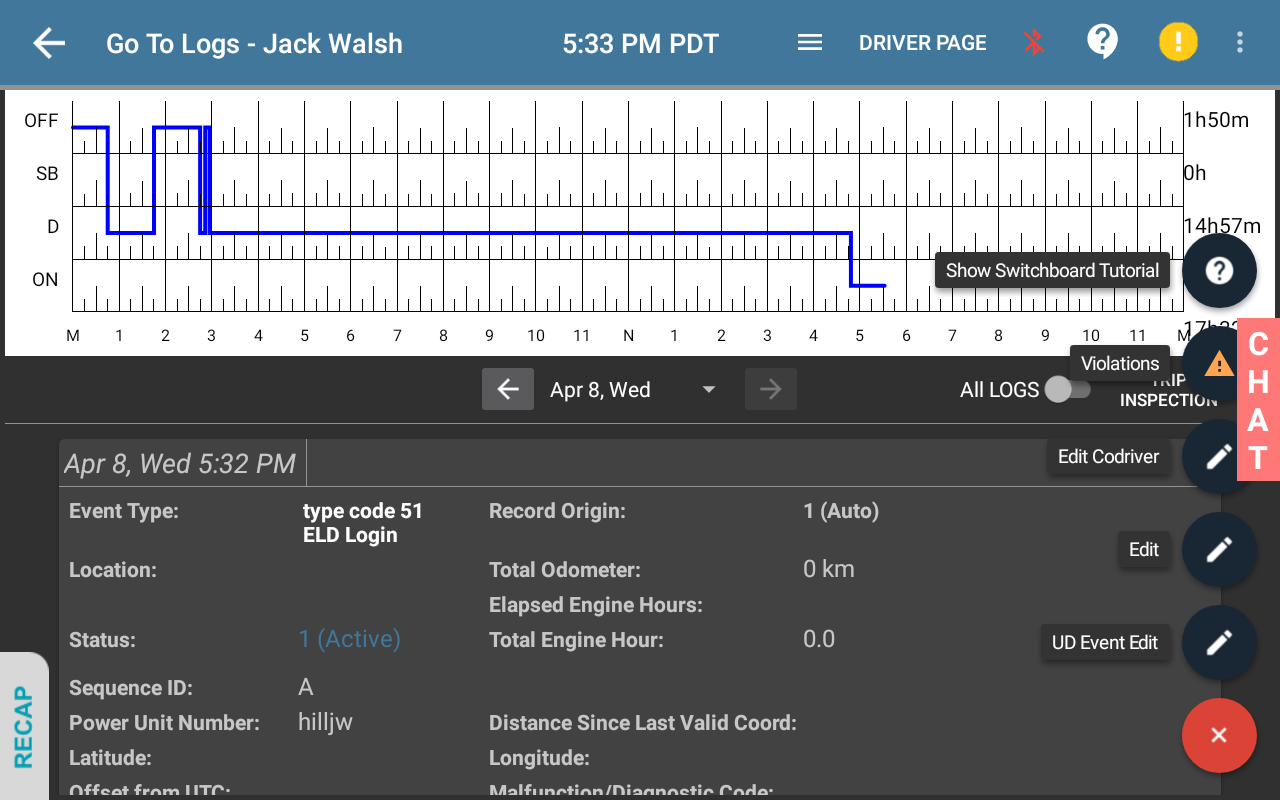
4. Review What’s There
You’ll see any current or past violations. Tap on one to get more details, like:
- What kind of violation it is
- When it happened
- How much time you went over
5. Stay on Track
Use this info to plan your breaks and driving time so you can avoid future violations.
Was this article helpful?